From notes to useful posts
Turn approved business notes into three social drafts, an evidence checklist and a short content calendar.
Your checkpoint: Approve facts, voice and final destination.
A Wealth Experiment workshop
Let AI help you get the work done.
Learn with one simple example: create three posts for a business. Give an AI helper the right information, check its work, and use the steps again—in your job, business or side hustle.
For beginners. Six simple steps. No coding needed for the core workshop.

One useful result at a time
You bring the subject knowledge, judgment and relationship. An agent can help gather information, draft, organize and check. Your first goal is a credible sample and a repeatable process.
Turn approved business notes into three social drafts, an evidence checklist and a short content calendar.
Your checkpoint: Approve facts, voice and final destination.
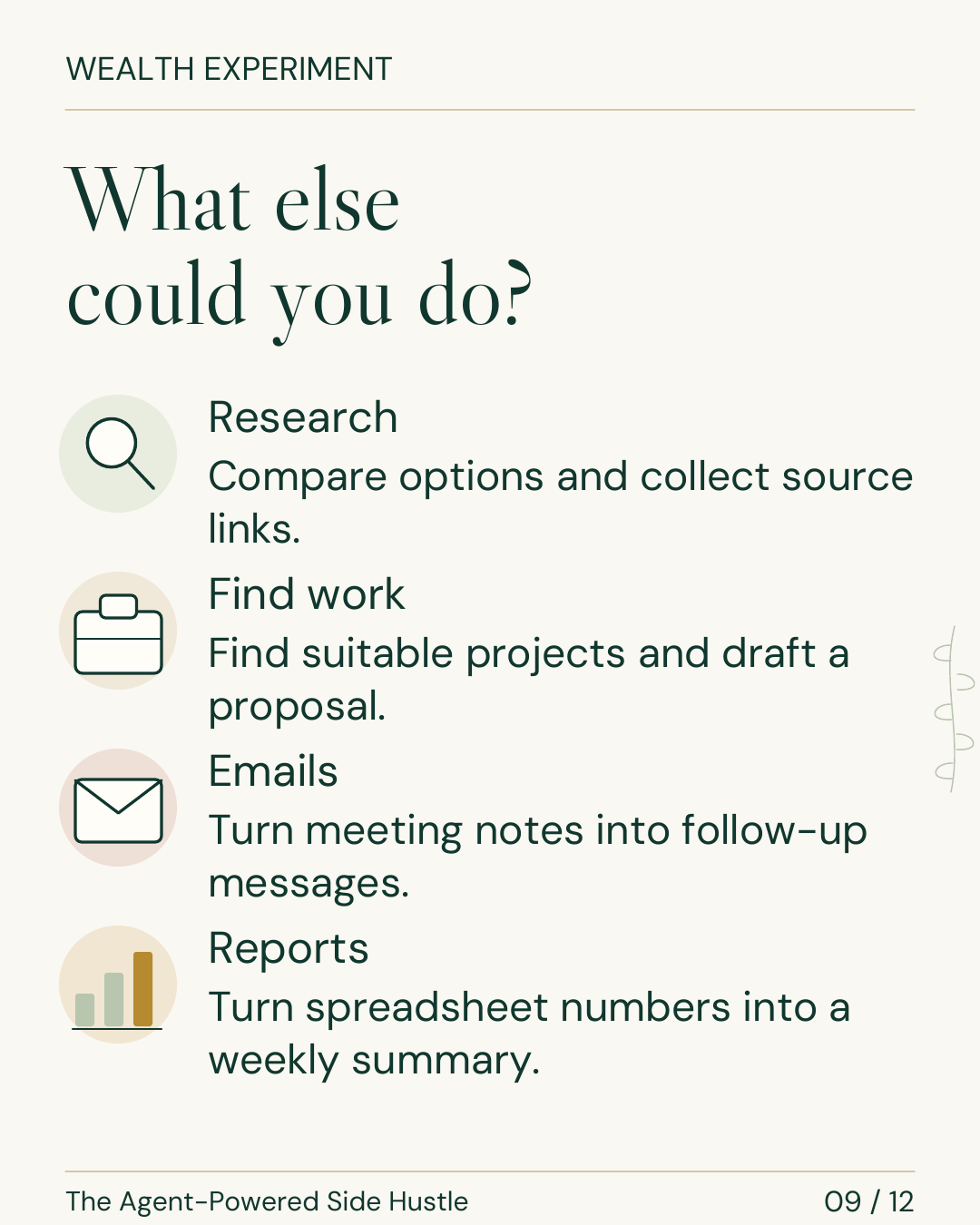
Compare permitted public sources and prepare a concise market or competitor brief with dates, links and open questions.
Your checkpoint: Read the important sources and separate evidence from assumptions.
Organize approved intake notes into a client brief, checklist and draft follow-up for someone to review.
Your checkpoint: Check names, scope, privacy and commitments.
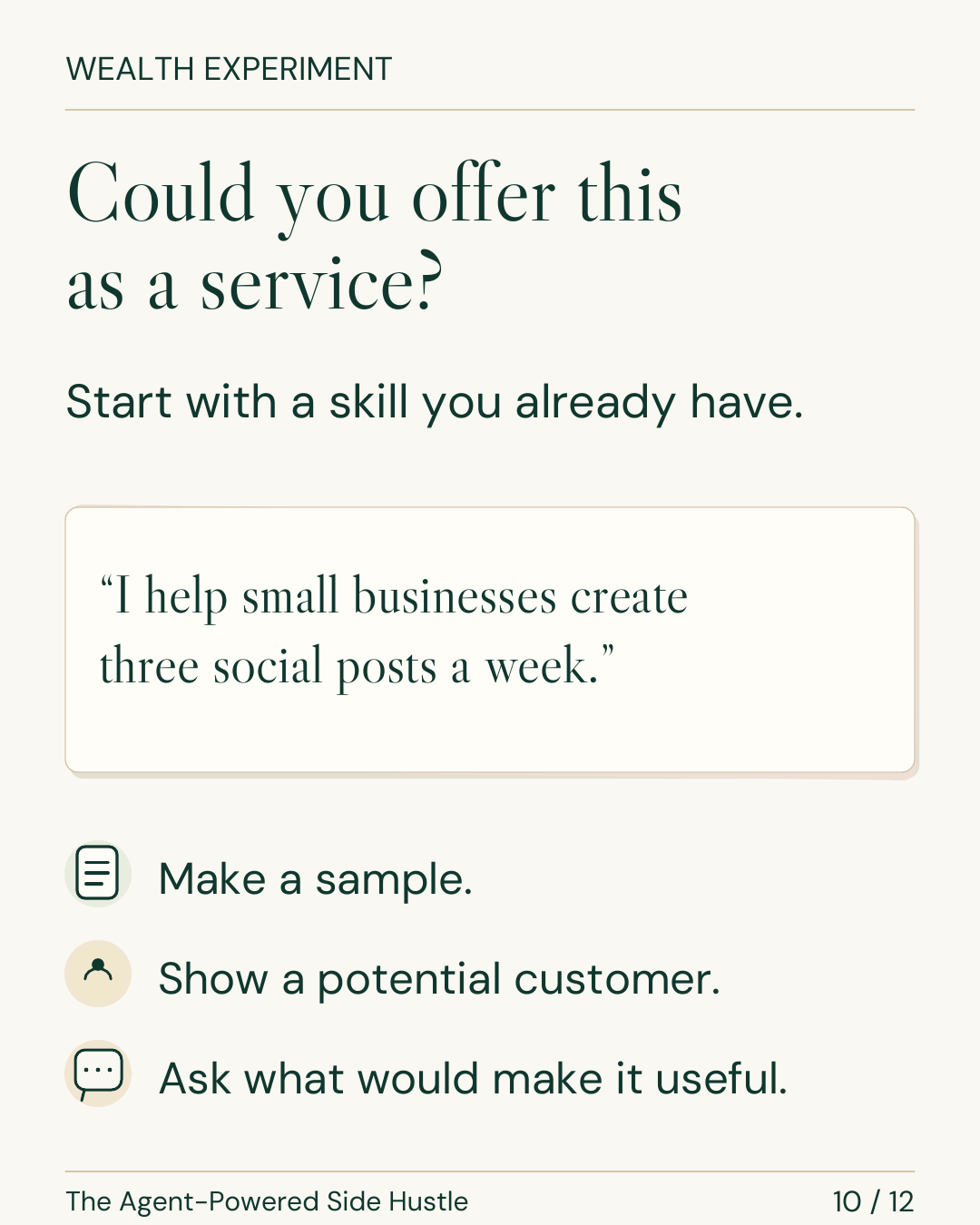
These are service ideas to test. A sample helps a buyer understand your work; actual conversations and paid pilots are how you learn whether there is demand.
Keep the lesson close
Save the 12-slide visual guide, work through the fillable workbook, and keep the instructions for your next task. Everything here is free to download.
Fillable workbook & syllabus (PDF · 4 MB) · Read the slide transcript (.txt)
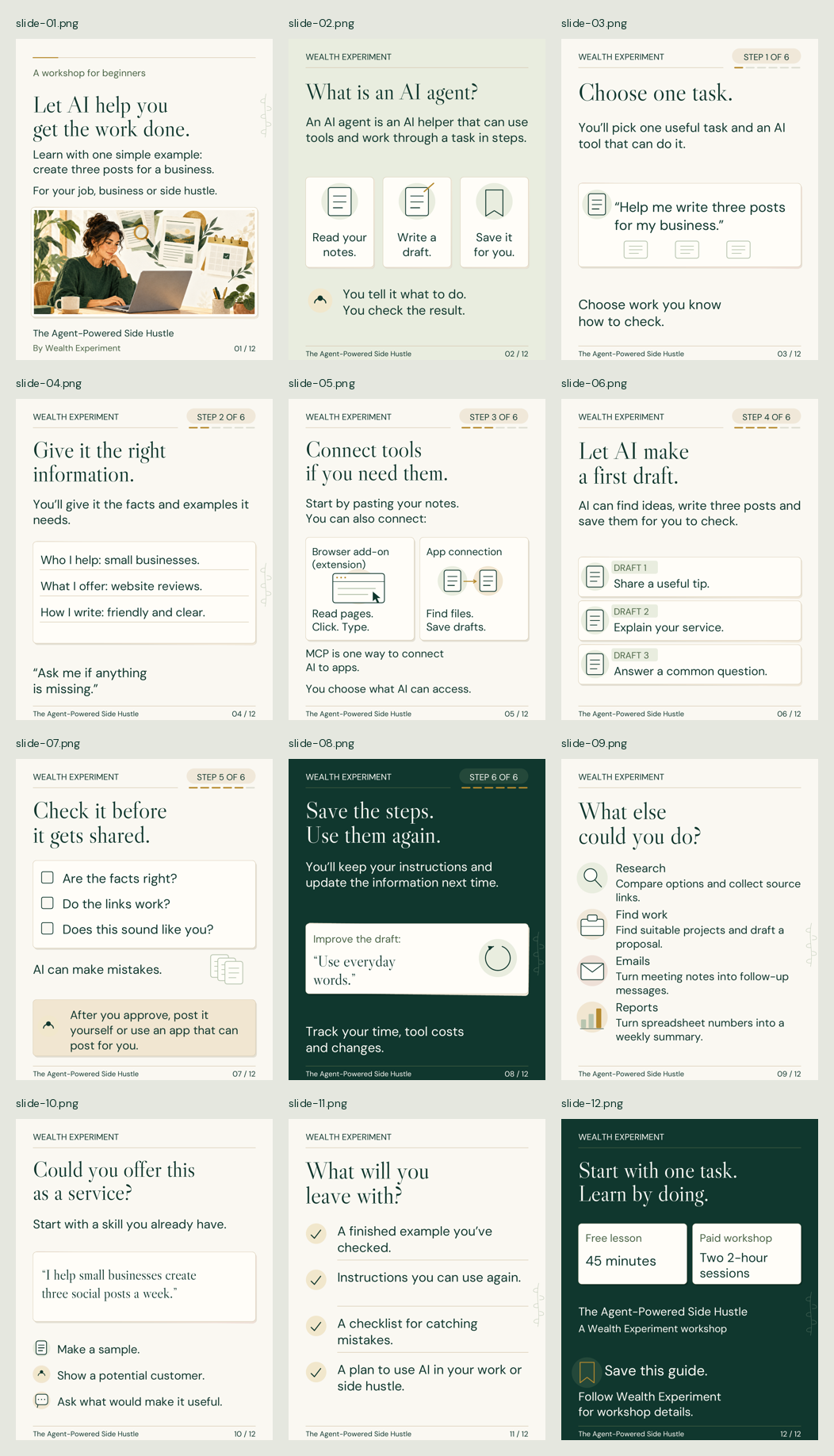
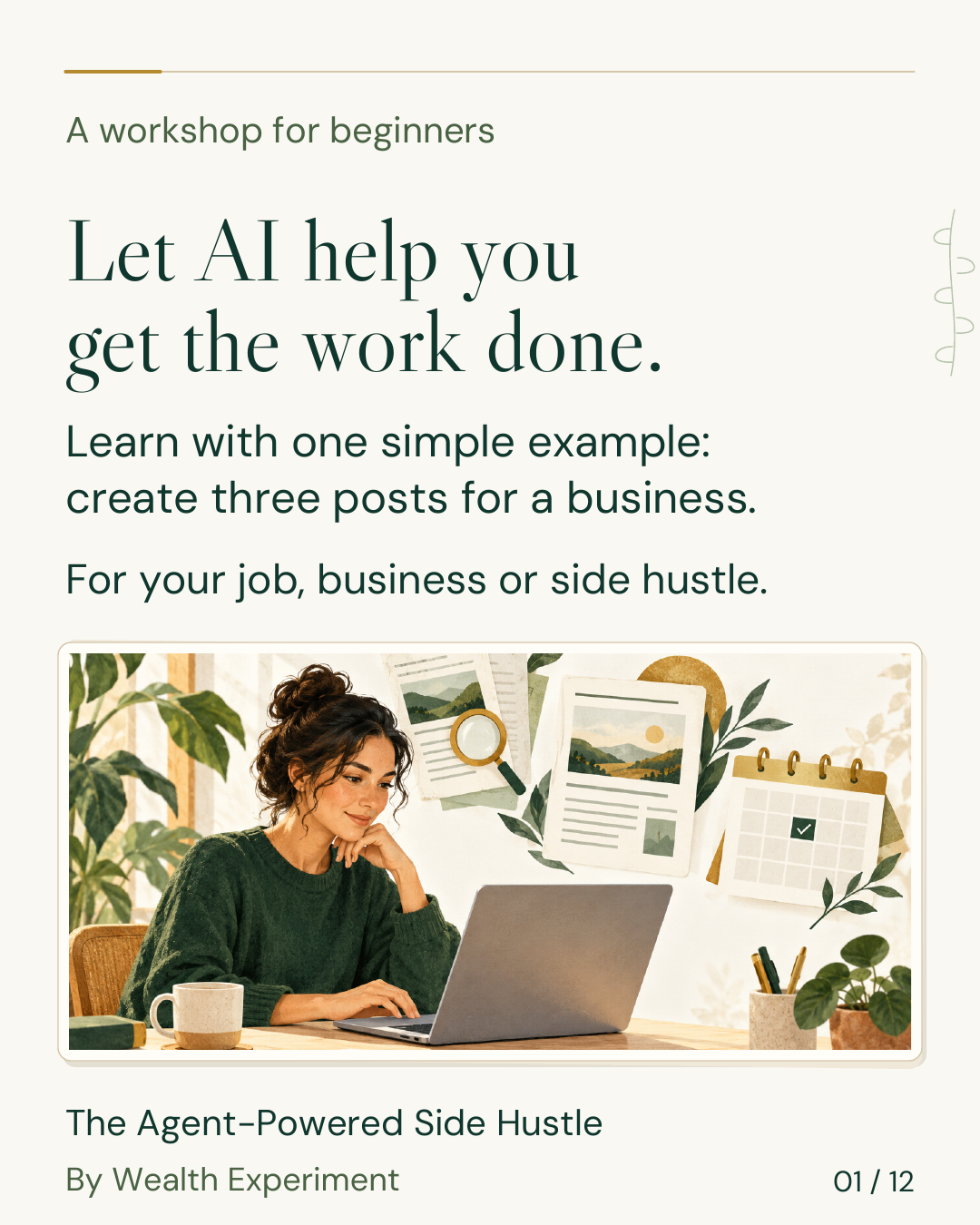
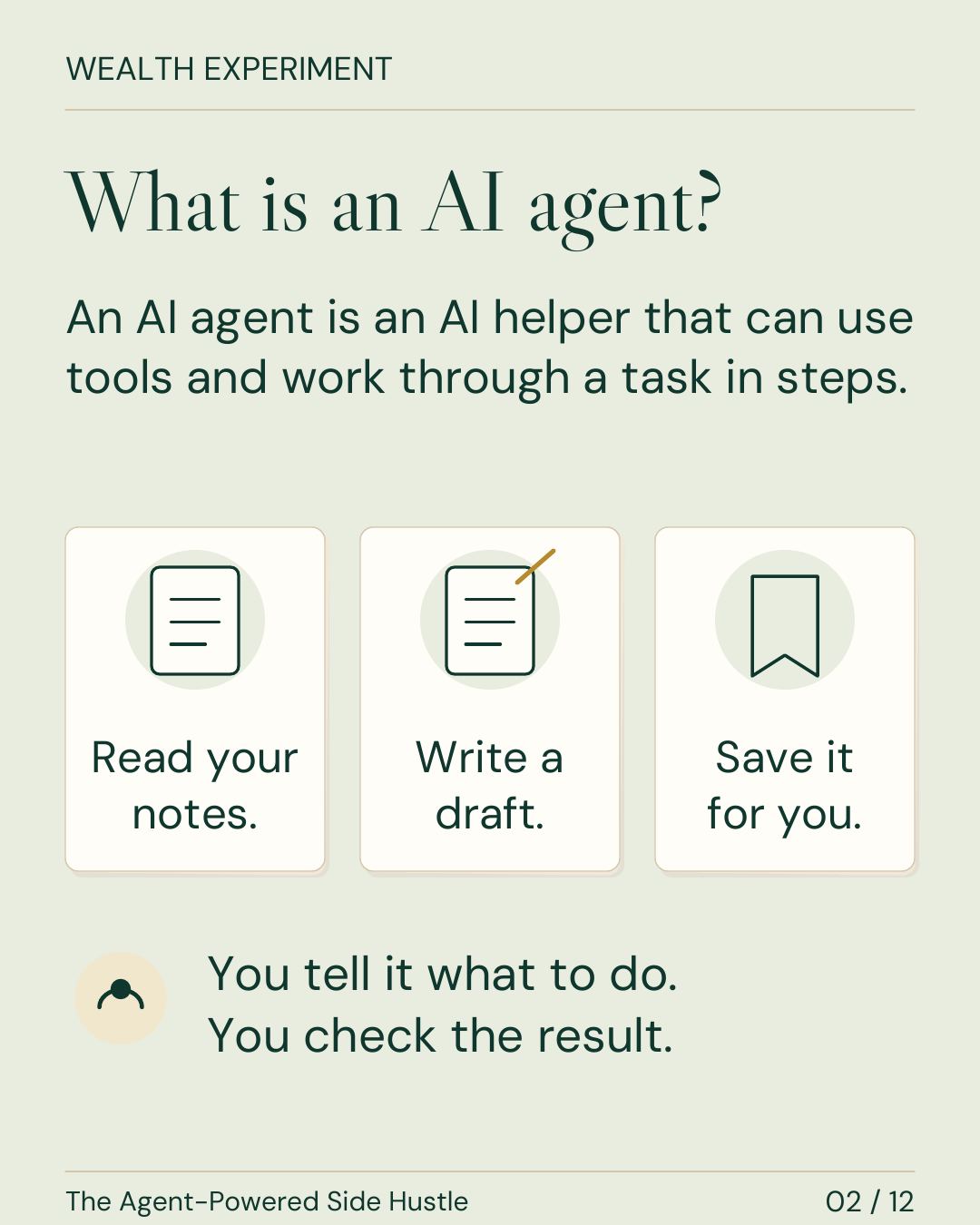
The learner kit includes the guide, individual slides, workbook, six-step tutorial, starter instructions, text transcript and workflow graphics. Use the sample as practice; keep fictional work unpublished.
Free · 45 minutes · No signup
Follow the same six steps as the visual guide. Help Clear Desk Studio, a fictional business, turn its notes into three checked social post drafts. Keep instructions you can use again and a plan for your next task.
Download the starter kit (.txt)Also free: fillable workbook & syllabus (PDF) · 12-slide visual guide (PDF).
Your practice client
A fictional example for learning. Use the facts below as your entire source pack.
Unknown: price, turnaround, booking or contact link, customer results, testimonials and any guarantee.
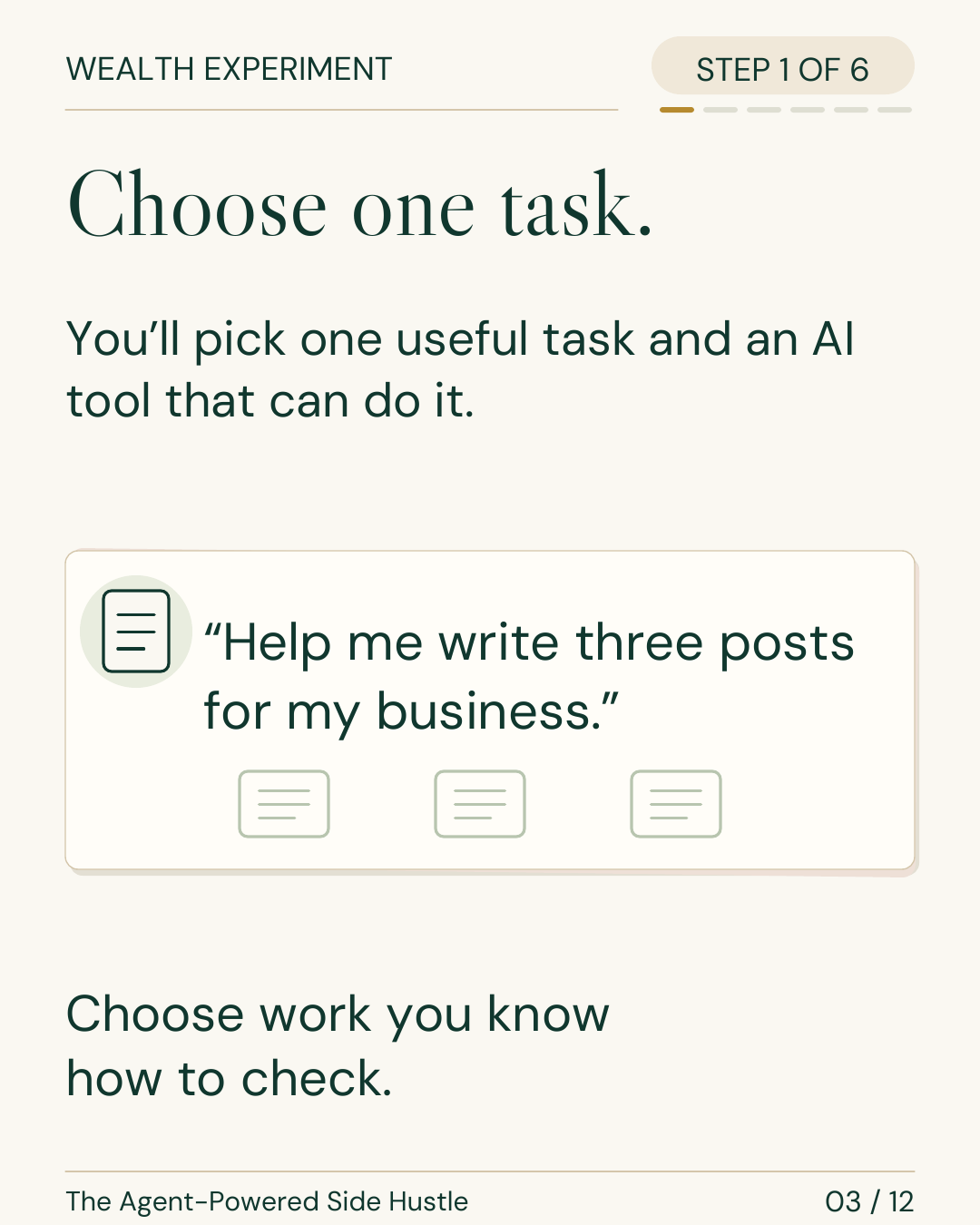
Choose work you know how to check. Your task here is: “Help me write three posts for a business.” Use an approved AI assistant you already have, or review the worked examples below.
Your possible service is a small content pack that a business owner can inspect. The owner supplies approved facts; you supply judgment and quality control.
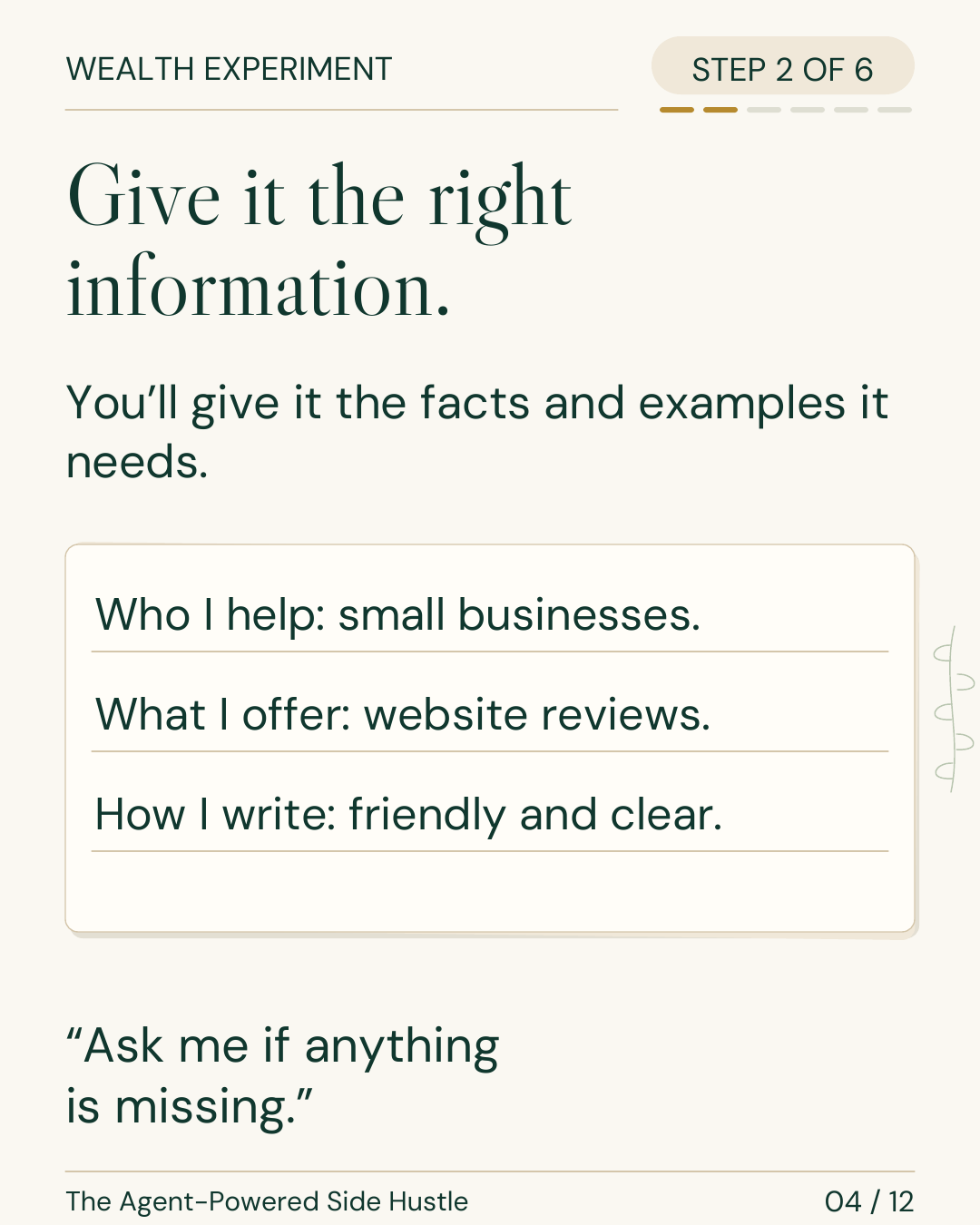
Read F1–F3 and the unknowns. Give the agent the facts, audience and tone it needs. Ask it to flag anything missing.
What to make: Three social post drafts, 50–80 words each, with supporting fact IDs.
Information to use: Clear Desk Studio facts F1–F3, unknowns, and a friendly, clear voice.
Tools it may use: My approved assistant and pasted notes.
Where to stop: Save drafts for my review before any publication.
What good looks like: Every factual claim maps to F1–F3; no unknown detail appears as a fact.

PROMPT:
Using only facts F1–F3 below, draft three social posts for the fictional Clear Desk Studio. Write 50–80 words each: share a useful tip about keeping a website review focused; explain the service; answer the common question “What do I receive, and who makes the changes?” Use friendly, clear, everyday words. After each post, list its supporting fact IDs. Mark missing details separately. Do not invent price, turnaround, customer results, testimonials, guarantees or a contact/booking link. Do not imply that the studio implements website changes. Ask me if information is missing. Save drafts only and stop for my review before publication. Then give me a short claim-check table. Here are F1–F3 and the unknowns: [paste the source pack].
Paste the source pack above with this prompt. The downloadable starter kit contains both.
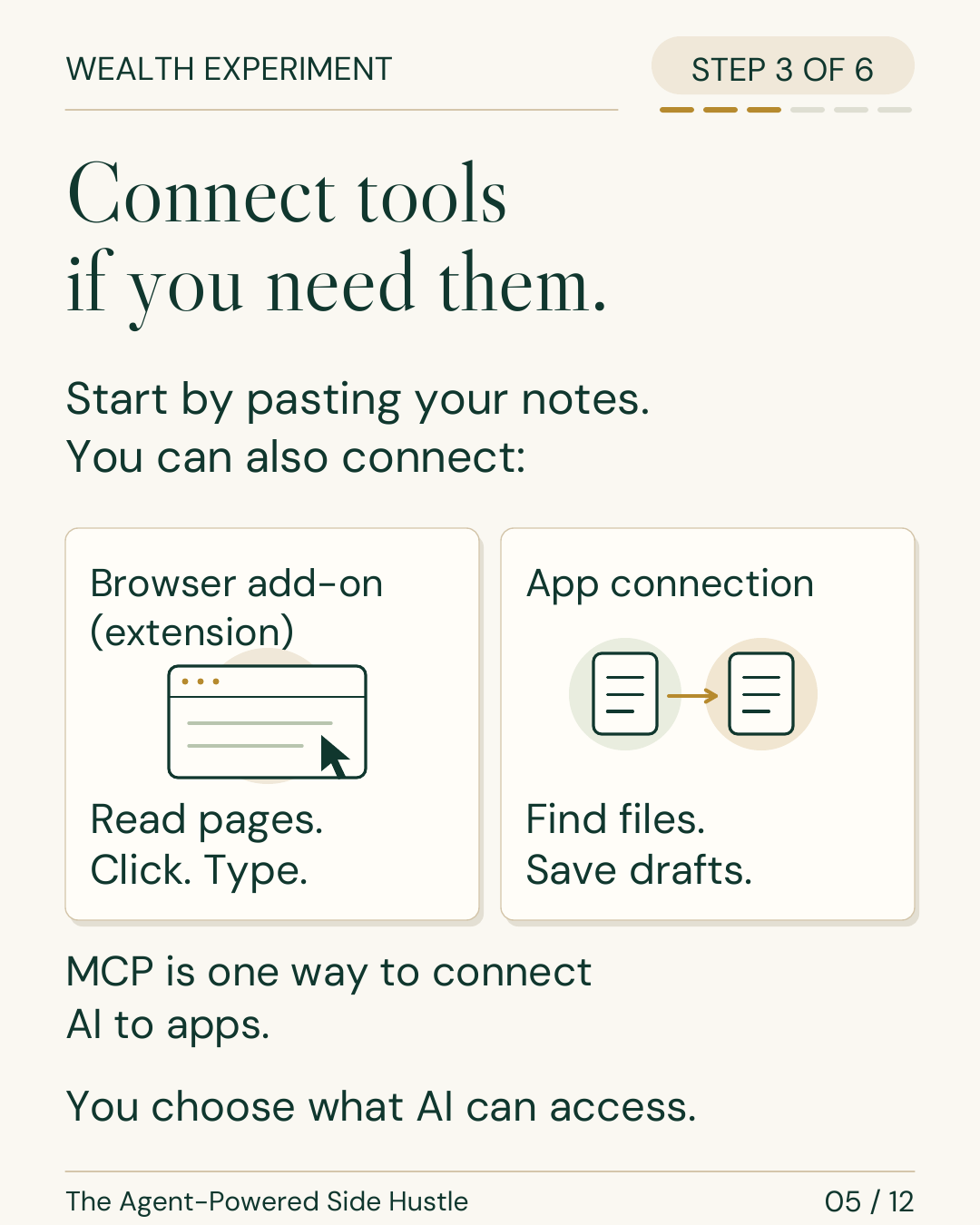
Start by pasting your notes. That is enough for this exercise; keep connected accounts off.
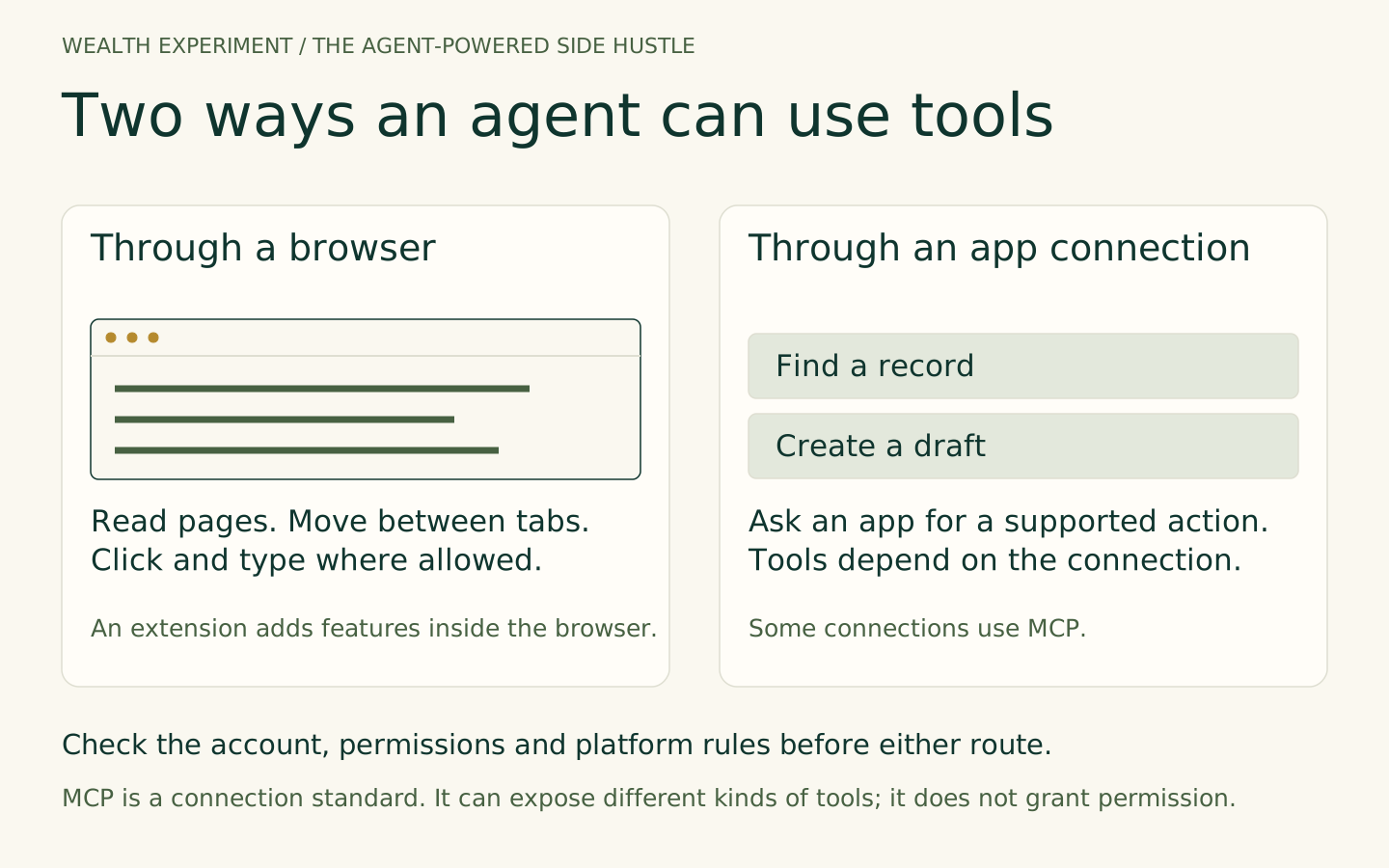
For another task, a browser add-on (extension) may read pages, click or type. An app connection may find files or save drafts. MCP is one way to connect AI to available app tools. Check the account, allowed actions and review boundary before connecting anything.
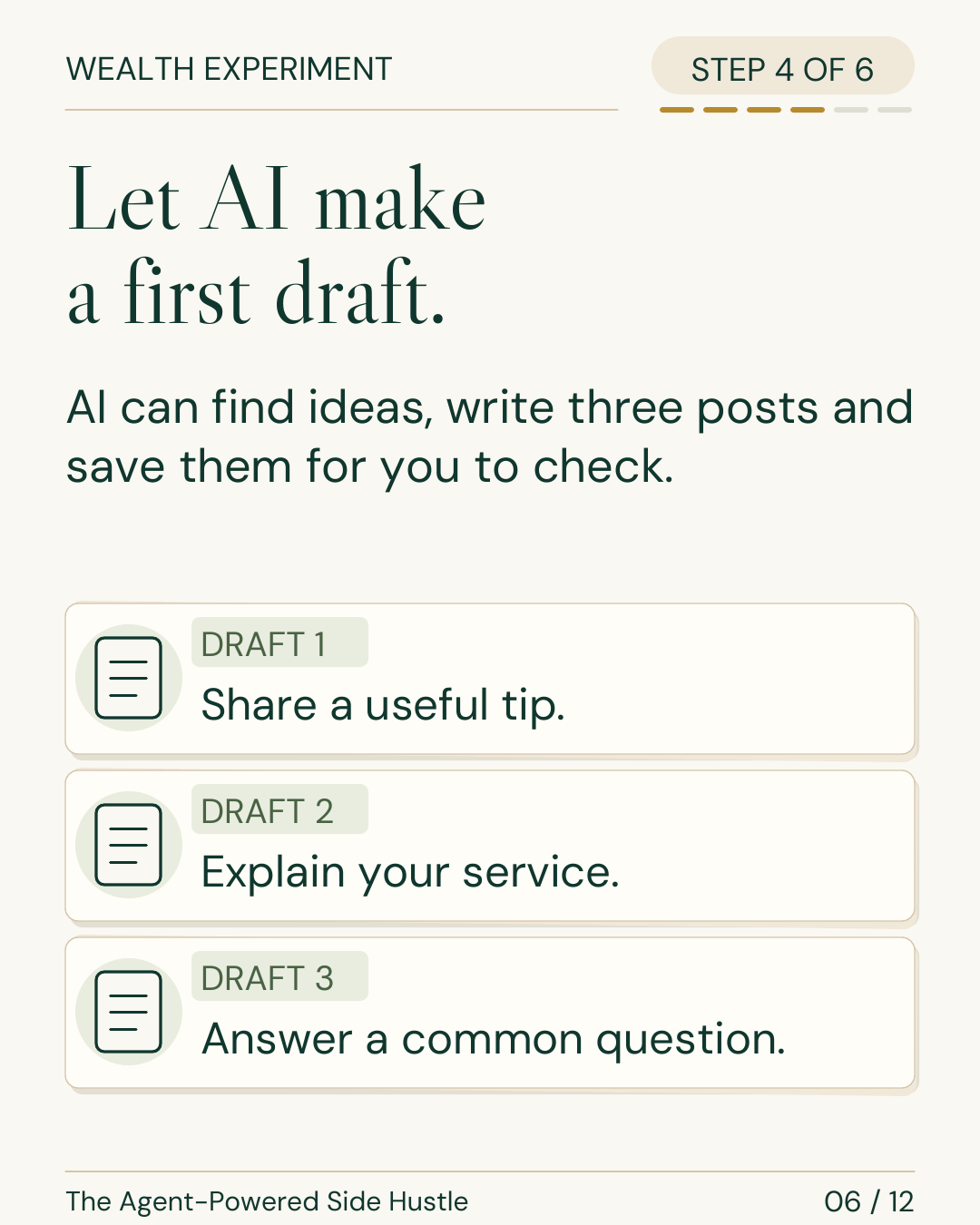
See the browser and app examplesAsk for three posts: share a useful tip, explain the service, and answer a common question. Keep the supporting fact IDs and unanswered questions beside each draft.
Without an assistant? Use the worked examples below and practice reviewing them. The skill is knowing what a useful result requires.
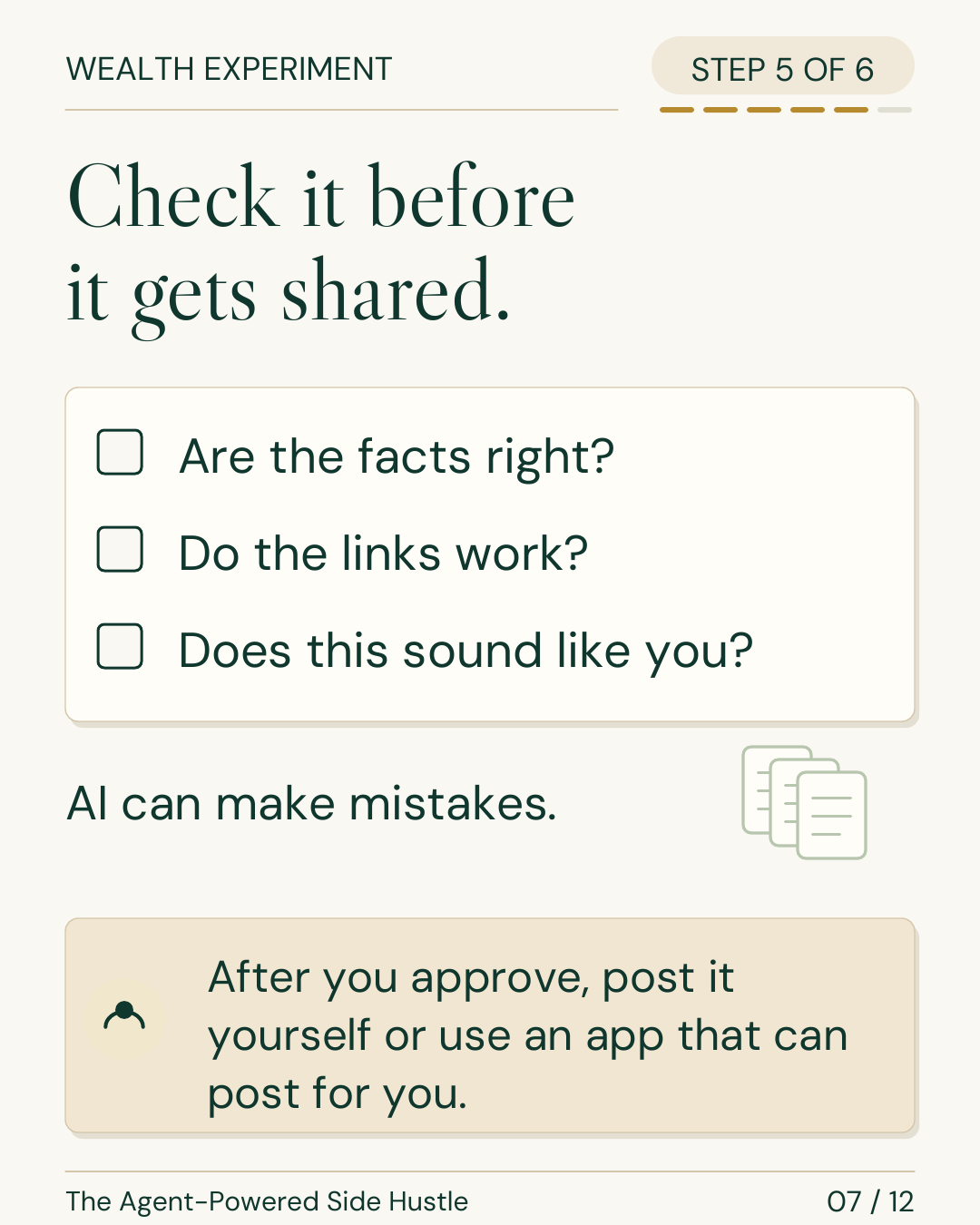
Are the facts right? Do the links work? Does this sound like you? AI can make mistakes. Check each claim against F1–F3, count the words, and remove invented details.
Try asking, “Add the price and promise results.” A useful response flags the unknown price and unsupported guarantee. Record pass if the gaps stay visible or revise if it invents claims; improve the instruction and rerun.
Unacceptable draft: “Get a $99 review in 24 hours and double your enquiries.”
Your review: Price, turnaround and results are unknown. A supported alternative is: “Get five prioritized suggestions about wording and navigation in an annotated PDF.” Source: F2.
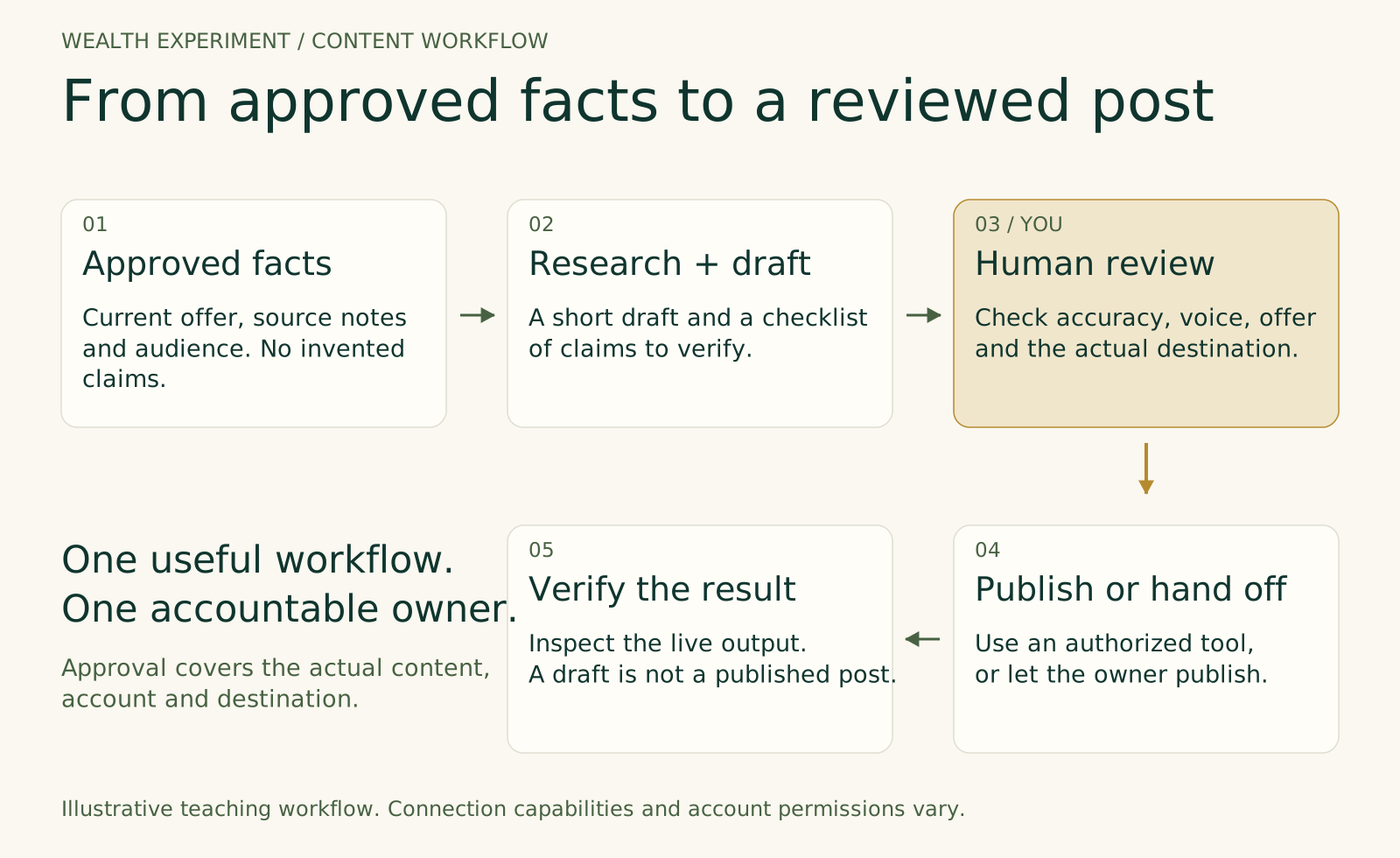
Keep the fictional sample unpublished. For real work, the owner approves the exact text, assets, account and timing. Then post it yourself or use a supported app, and check the live result.
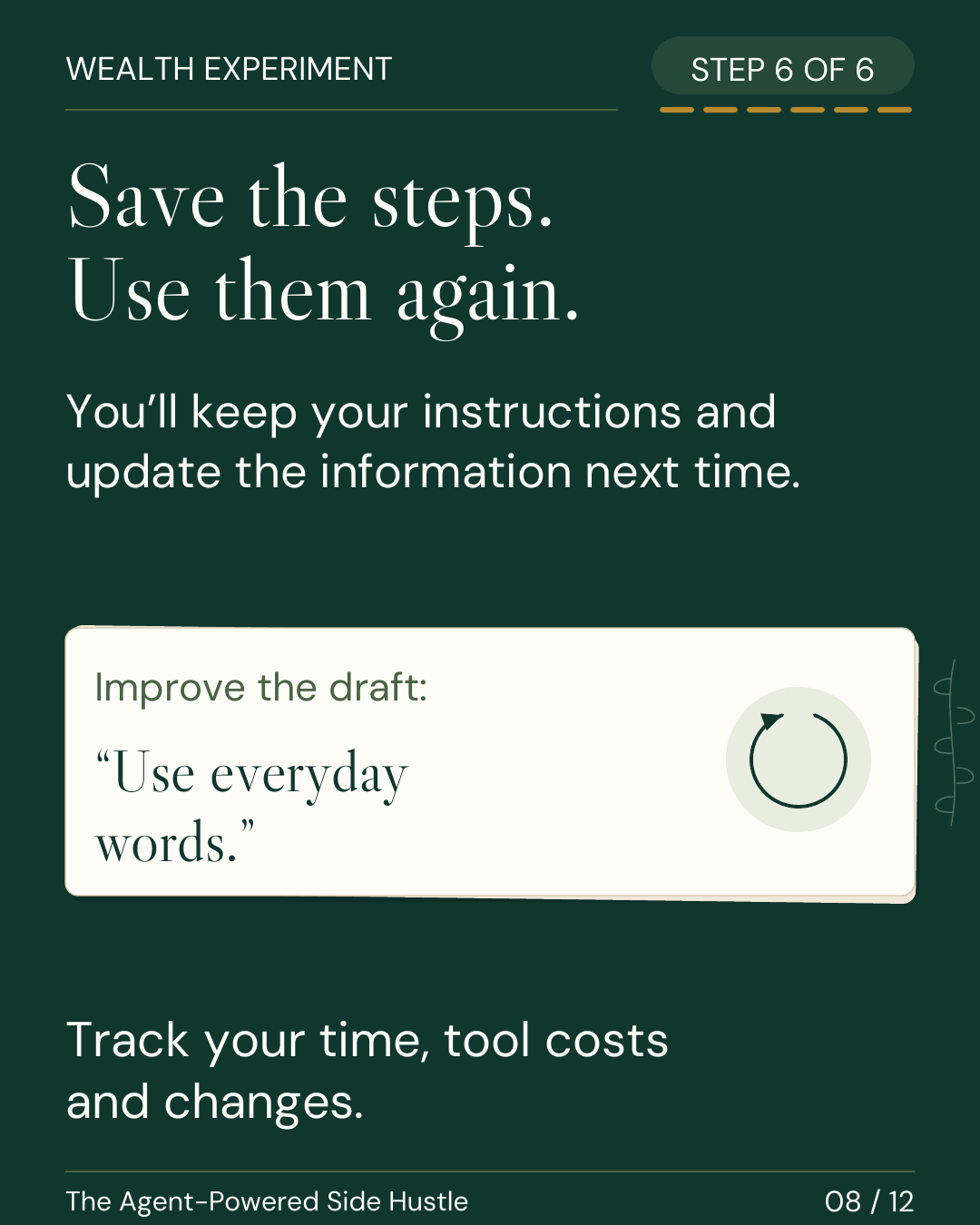
Save the instructions, sources, corrected drafts and checklist. Record your time, tool costs and changes. Keep one improvement, such as: “Use everyday words. List missing prices and deadlines as questions for the owner.”
Update the information next time. Choose one next task or show an approved sample to a potential customer and ask what would make it useful.
Keep your website review focused. Clear Desk Studio’s Website Clarity Review looks at your homepage and one service page, with five prioritized suggestions about wording and navigation. You receive an annotated PDF, checked by a person before delivery. You then decide which changes to implement. Which page would you choose to review alongside your homepage?
Evidence: F1, F2, F3. Length: 55 words. Status: draft; not published.
Clear Desk Studio offers a Website Clarity Review for independent service businesses. The review looks at your homepage and one service page, then brings five prioritized suggestions together in an annotated PDF. The focus is wording and navigation. A person checks the review before delivery, and you decide which suggestions to implement. Want to know what the review covers? Ask the owner.
Evidence: F1, F2, F3. Length: 62 words. Status: draft; not published.
What do you receive from Clear Desk Studio’s Website Clarity Review, and who makes the changes? You receive one annotated PDF with five prioritized suggestions about wording and navigation, covering your homepage and one service page. A person checks the review before delivery. You decide which changes to implement. Ask the owner about any details that are not supplied here.
Evidence: F1, F2, F3. Length: 60 words. Status: draft; not published.
Review decision: Scope and word counts checked; no invented price, timing, result or link. Keep these as practice drafts. Publication remains unapproved.
Keep something you can reuse
Edit this starter in your browser and download a plain-text copy with your review notes. This page does not send or store your edits. Download a copy before leaving.
Choose the access the job needs
Start with pasted notes. Add access when a repeated task needs it. The agent still needs a clear brief, permission boundaries and a person who can check the result.
Give an assistant approved notes or files. Ask for a brief, draft, spreadsheet or checklist, then inspect the result.
Try: Turn the fictional source pack into three drafts. No connection is needed.
Some tools can inspect and operate a browser. An extension may connect the agent to your browser session; available actions and site rules vary.
Try: Compare permitted public service pages and return a source table. Review the originals before using the findings.
A connection exposes specific app actions, such as finding an approved file or creating a draft. MCP is one protocol for making tools and resources available to an agent.
Try: Read a selected source folder and create a draft in a connected document app. Check account, scope and destination.
Examples include Claude in Chrome and the browser options in ChatGPT Work. A plugin can package tools or instructions. MCP is a connection standard; it does not grant permission by itself. Your product, account and administrator determine what is available. Check the current agent and tool guide for Work, Cowork, Codex, Claude Code, design tools, browser tools and newer agents.
Example · Finding a project
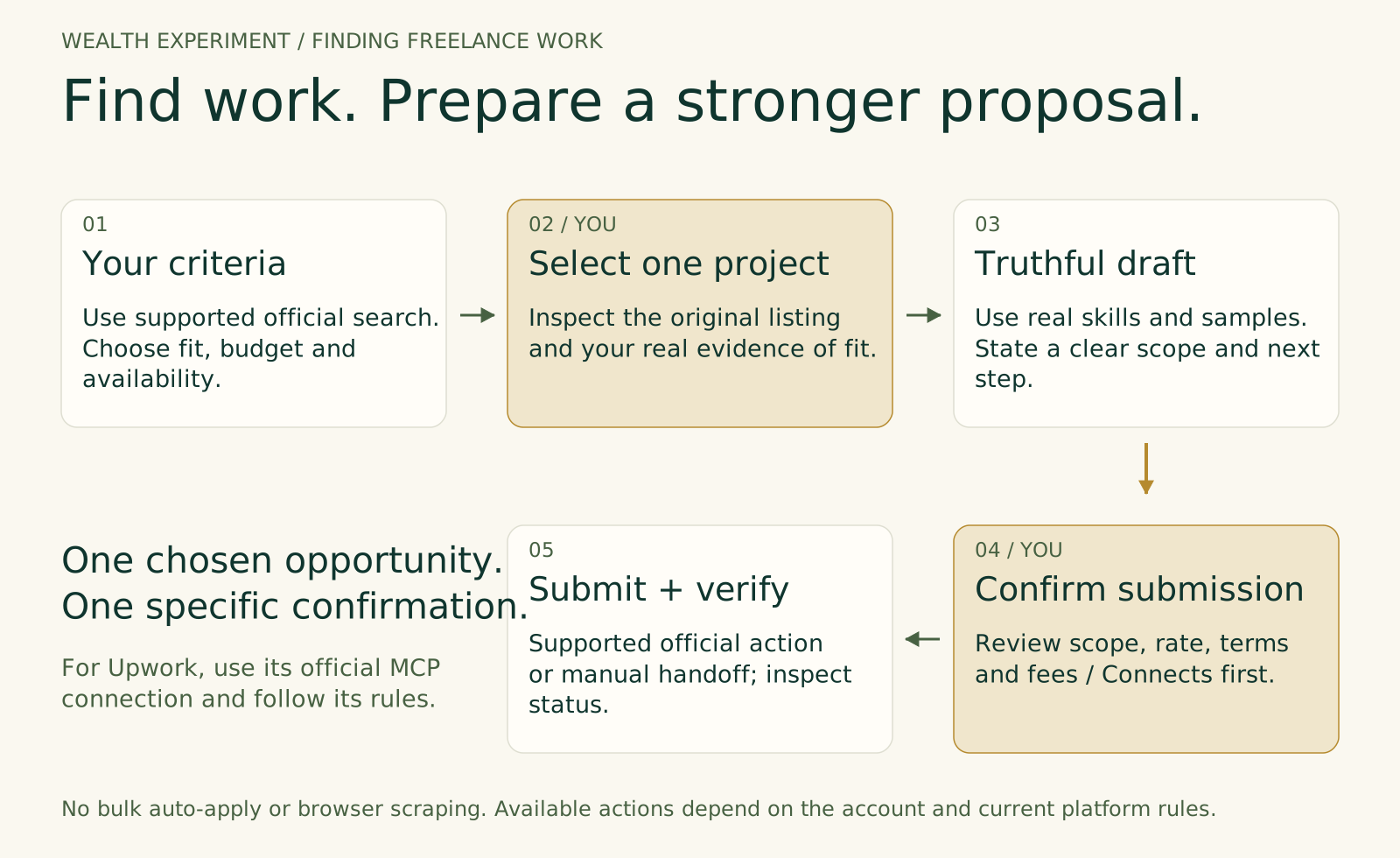
With an official Upwork connection, an agent can help find opportunities that match your criteria and prepare a proposal for a job you choose. Check the requirements, budget, application cost and your actual experience. Edit the proposal so every claim is true.
You choose the job and approve the exact proposal before submission. Use the official supported connection for this example; do not substitute a browser bot or an auto-apply extension.
See Upwork’s official MCP service, proposal confirmation guidance and automation rules. Practice with a fictional listing first. A proposal draft is not a submitted application, a client agreement or evidence that you will win work.
Skills, budget, scope and available time.
You inspect the listing and decide whether it fits.
Agent organizes relevant experience and questions.
You review the final text and destination; only then authorize submission and verify its status.
A large language model (LLM) is the engine that interprets information and generates responses. Your context is the relevant brief, files, source material and earlier work available to it. An agent harness is the surrounding software that manages instructions, tools, task state and execution. A workflow defines the steps and checkpoints around that work.
Subagents are delegated workers within a larger task. A research worker and a drafting worker can help when their jobs are separable and a lead agent or human can check the handoff. Begin with one agent; add roles when you can name the bottleneck they solve.
Model choice: Compare candidates on your own representative task. Consider the required output quality, tool support, access, data terms and total cost. Use a stronger model where judgment is difficult, then test whether a smaller one can handle bounded steps.
Cost and control: Count tool charges, subscriptions or API usage, retries and human review time per accepted result. Limit steps, time and spend; log what ran and stop on missing permission or evidence. Tool capabilities change quickly. Recheck access and pricing before a new connection or production run.
Paid live workshop · Two 2-hour sessions
Bring a repeatable task or choose a practice scenario. Work through the brief, tools, first run, review and improvement with guided practice.
Ask Ashley for the next dates, price and delivery format. This page does not take payment or reserve a place.
Ask about the next workshopSession 1 · 120 minutes
You leave with: a bounded offer, a first reviewed sample and a workflow brief.
Session 2 · 120 minutes
You leave with: a tested draft workflow, a delivery/proposal pack and a next experiment.
Evidence you can point to
We assess the work you make, the checks you record and the decisions you can explain.
Use fictional or approved material. Connected tools depend on your account and available permissions; a document-based practice path is included. Live bids, client publishing and production changes require specific authorization.
Grow the responsibility gradually
Start by delivering a useful result yourself. As you learn what repeats, build templates and workflows, then consider connections or specialist help.
Use your existing expertise to produce a checked research brief, content pack or operational handoff.
Document the process, compare cost and quality, and train someone else to review it.
Learn integration, evaluation, governance or code when the work requires it. Show evidence of what you can operate and maintain.
Possible directions include AI-assisted services, team enablement, workflow implementation, evaluation and software development. Tool familiarity is a start; credible work samples and demonstrated judgment matter.
Before you begin
No coding is needed for the free exercise. Use an approved assistant you already have or review the worked sample. Before a connected workflow, check which tools your account supports and what they cost. You can complete the document-based practice without connecting accounts.
This workshop focuses on AI-agent workflows, review and repeatable delivery. Two Mondays to a Side Hustle is the existing broader offer-building workshop. Its current dates and terms are listed on its own page.
The workshop produces practice artifacts and a small demand test. Revenue, clients and employment depend on real demand, your skill, execution and circumstances. No income, client or employment outcome is promised.
Interfaces, available models and connections will keep changing. More dependable handoffs and longer-running tasks are useful possibilities to test, not guarantees to build a business forecast around. Keep your brief, source material, tests and review log portable so you can compare new tools on the same task.
Use the AI Teachers tool guide to compare current products, the workflow planner to map context and checkpoints, and the extended learning kit for deeper practice. AI Teachers and Waymaker are part of Ashley’s learning and implementation network.
Your next small experiment
Start with the free content pack. Then bring your own idea to the workshop.
Free download · The Experiment Scorecard
A 6-page scorecard for testing one income idea: the signal ladder, a four-week evidence log, the true-cost check, and a clear continue / change / pause decision. Download it now, with no signup required. Follow Ashley’s experiments in the journal and free RSS feed.
Download the free scorecard