Build a useful audience
Your first email list: a seven-day experiment with AI
Build one helpful free resource, a simple signup page and three welcome emails—then review what people actually do.
In this guide
- How do I start an email list for a small business idea?
- A one-week experiment with a clear stopping point
- Step 1. Day 1 — Pick one person and one worksheet
- Step 2. Days 2–3 — Finish the resource and its invitation
- Step 3. Day 4 — Run the signup as a real reader
- Step 4. Day 5 — Help the subscriber complete one box
- Step 5. Day 6 — Prepare follow-ups and share one useful example
- Step 6. Day 7 — Review what happened and what it cost
- Keep a simple experiment notebook
- Finish the experiment before expanding it
- Sources and further reading
How do I start an email list for a small business idea?
Run a seven-day test with a one-page offer worksheet, a tested signup journey and a fixed time and spending limit. Review real replies and costs before deciding whether to continue.
A one-week experiment with a clear stopping point
Give yourself seven days to find out whether a useful resource attracts people you might be able to help. The outcome is a working signup journey and evidence about interest, not a promise of income. Keep the test small enough that you can finish it alongside other responsibilities.
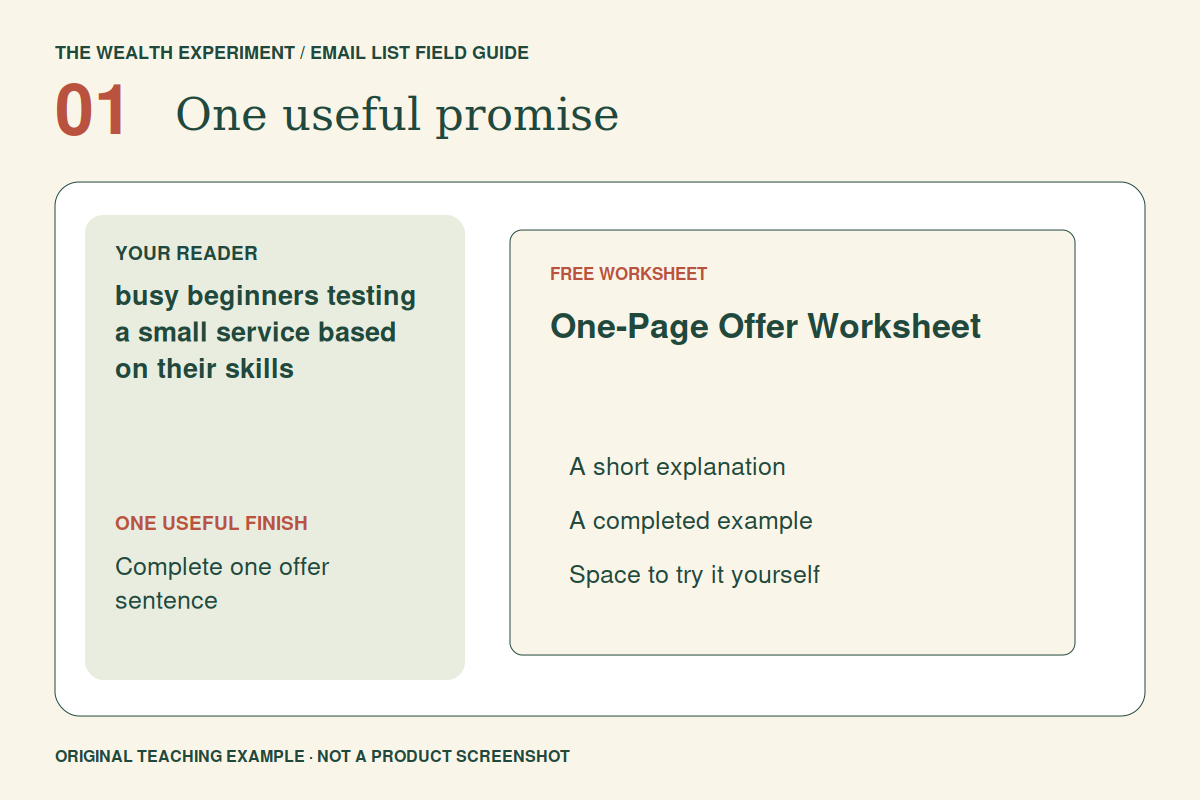
For this example, you are exploring a small service built from a skill you already have. Your free resource is a One-Page Offer Worksheet that helps someone describe who they help, what they deliver and what is outside the scope. All example responses and business ideas below are illustrative.
Before starting, choose your own limits for hours and cash. For instance, you might allocate four focused work sessions and use tools you already have. That is a planning choice, not an estimate that every reader will finish in the same time.
Step 1. Day 1 — Pick one person and one worksheet
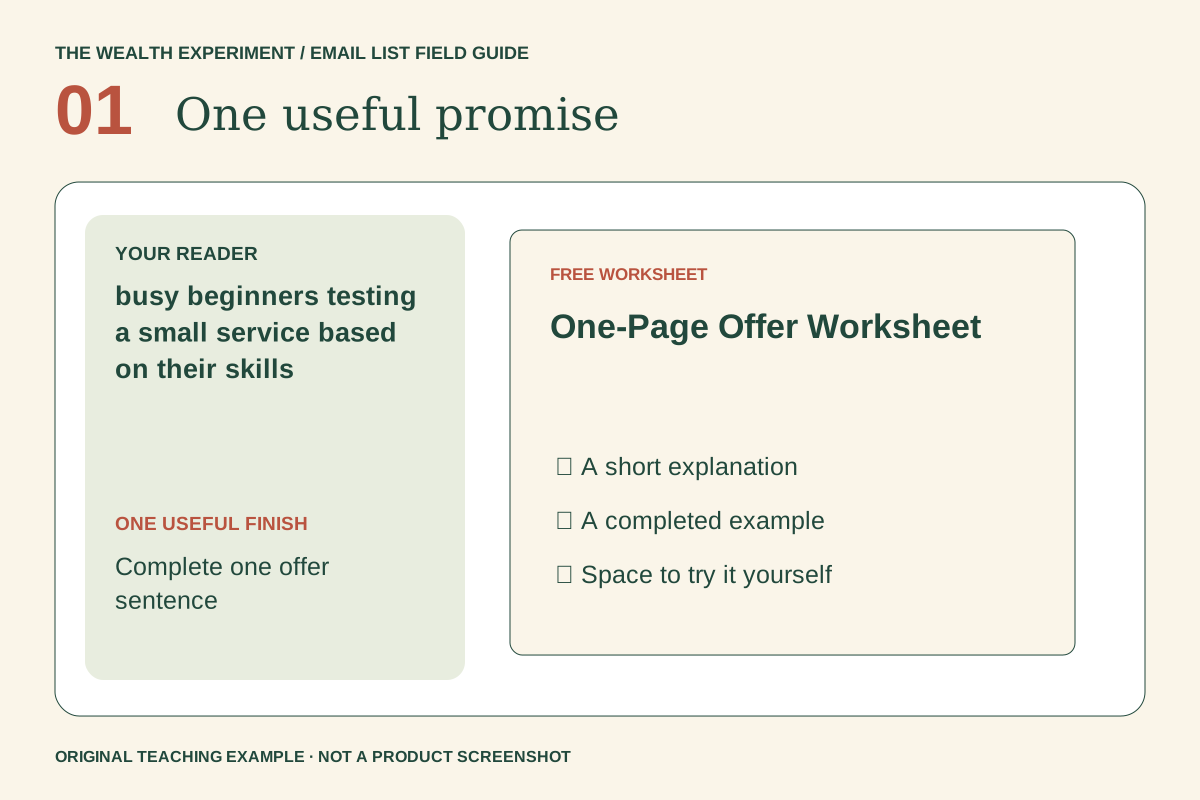
Select a reader you can describe without listing everyone: a photographer considering a mini-session package, a designer considering a homepage review, or a bookkeeper considering a cleanup service. Use one of those contexts for the first version.
Write the worksheet with five prompts: who needs help, what task you can complete, what the customer receives, what you need from them and what the offer excludes. Include a filled example for a homepage review: “Review one page and deliver five prioritized improvements; implementation is separate.” Do not invent a price before considering the actual work.
Ask someone in that audience to fill it in. If they need a long explanation, revise the prompts. Finish a usable page before spending time on a larger guide or elaborate branding.
Step 2. Days 2–3 — Finish the resource and its invitation
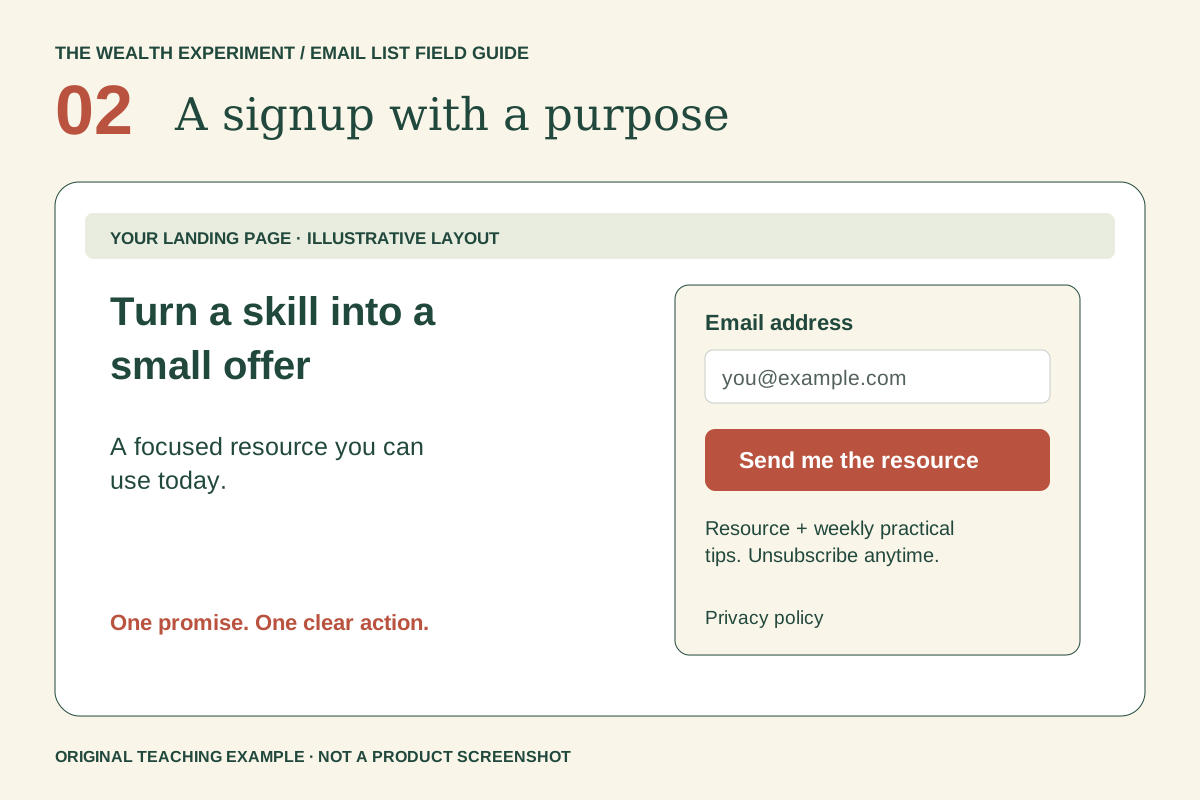
On day two, edit the worksheet and export a readable version. Use generous writing space and a text size that works on a phone. On day three, build a short page with the promise “Outline your first small service offer” and show a preview of the actual worksheet.
Tell readers exactly what the exchange includes: the worksheet plus three short emails about trying it. Identify your business, link your privacy notice and explain that they can unsubscribe. Keep the button specific: “Send the offer worksheet.”
Use your existing email platform's form if it handles the job. Put optional upgrades on a later list. During this week, a tool purchase should solve a concrete obstacle to delivering or learning, not become a new project.
Step 3. Day 4 — Run the signup as a real reader
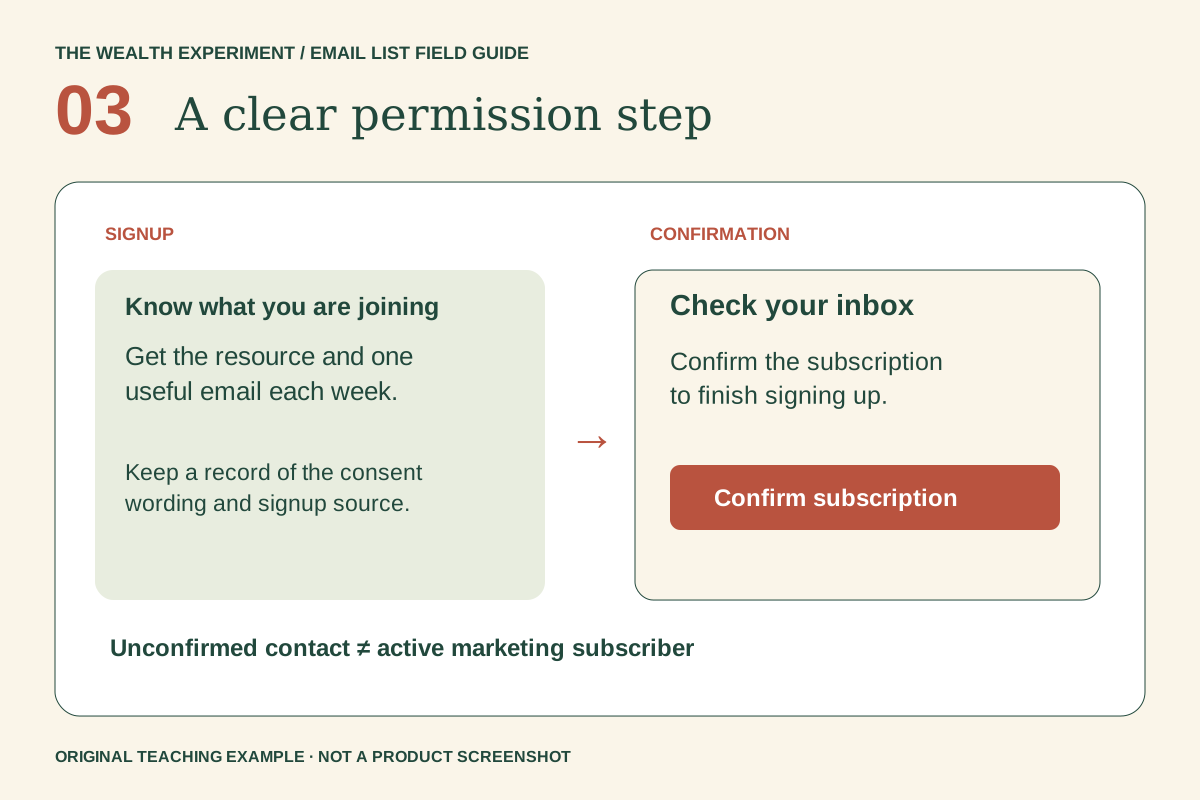
Connect the form to a clearly named subscriber group for this experiment. Configure confirmation and the welcome trigger, then submit an address you own. Follow the entire journey from page to inbox, rather than checking only the form's success message.
- Before confirmation, verify what the reader sees and whether email delivery waits as intended.
- After confirmation, check that the welcome message arrives only once.
- Open the worksheet while signed out of your document account.
- Use the unsubscribe link and verify that later promotional messages stop.
Record any manual repair you needed. A journey that works only because you noticed a broken step is not ready to share widely. Do not add friends or contacts to the sequence without their request.
Step 4. Day 5 — Help the subscriber complete one box
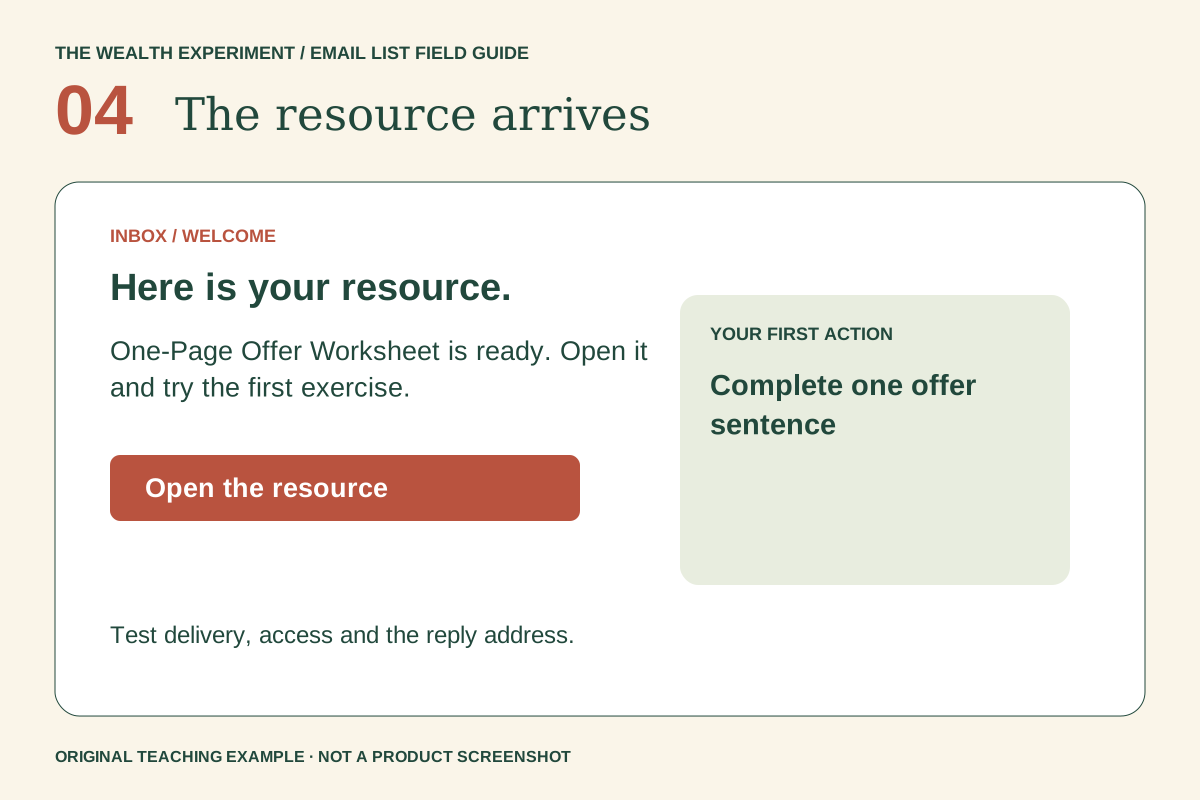
Your delivery email should reduce the effort of beginning: “Open the worksheet and fill in only the ‘what the customer receives’ box first.” A concrete instruction is easier to try than a broad request to build a business.
Give a before-and-after example: “I help with websites” becomes “I review one homepage and send five prioritized recommendations.” Explain that the second statement makes scope easier to discuss; it does not establish that buyers will pay for it.
End with a reply invitation: “Which part of your offer is still hard to describe?” Use a monitored inbox. You are looking for evidence about a real obstacle, not collecting compliments about the worksheet.
Step 5. Day 6 — Prepare follow-ups and share one useful example
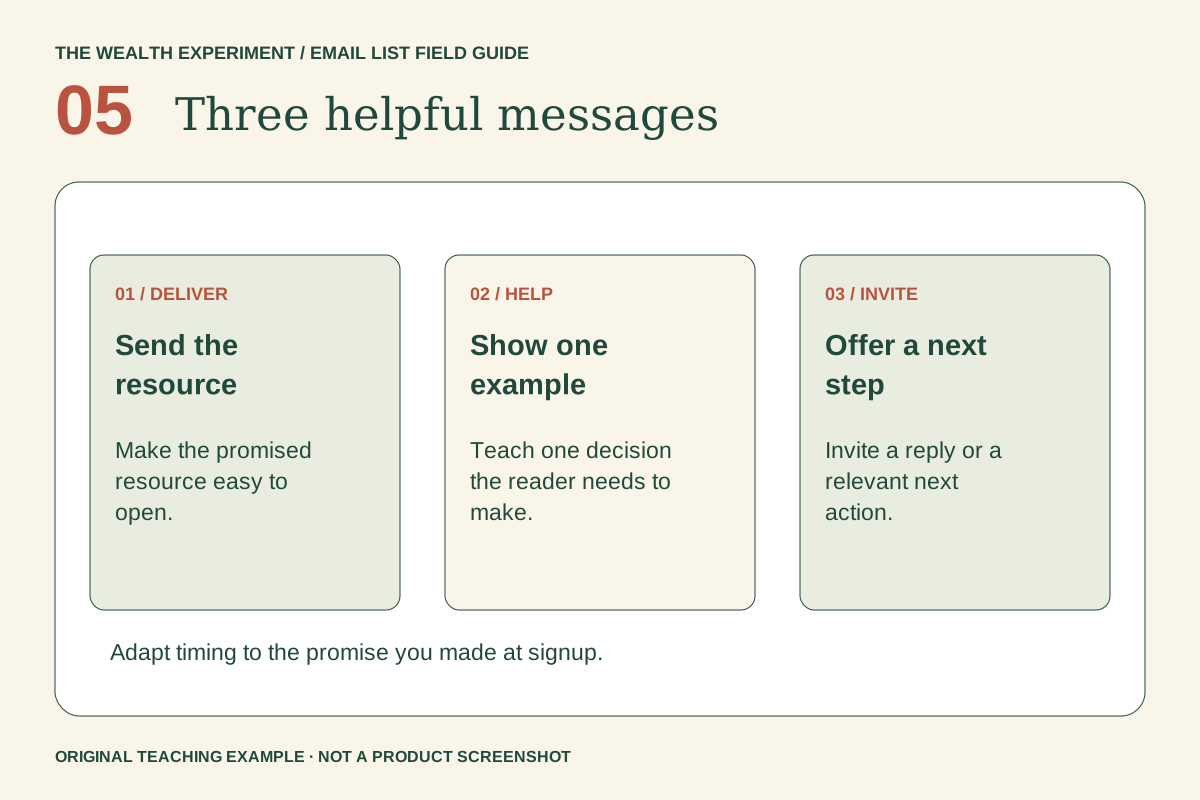
Write the next two emails before inviting traffic. Message two can show how to remove an oversized promise from an offer. Message three can ask what happened when the reader described the offer to one potential customer. Space them a few days apart; the week launches the sequence, but some responses will arrive after day seven.
Share a helpful excerpt where your intended readers already participate and where promotion is permitted. Explain the exercise in the post itself, then offer the worksheet for those who want it. Keep the source identifiable so you know which invitation brought relevant people.
Start with one channel. Publishing everywhere at once makes it harder to learn which audience or message worked. Do not buy a list or treat a community's membership as permission to email its members.
Step 6. Day 7 — Review what happened and what it cost
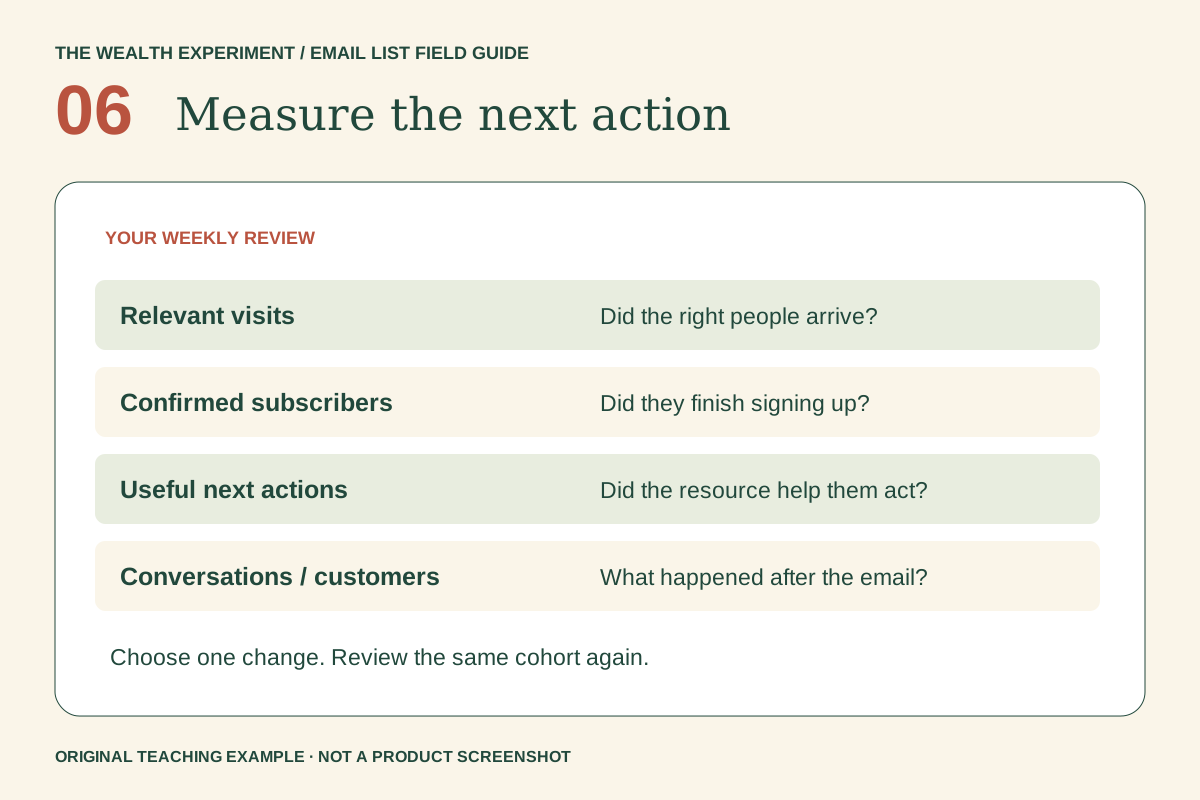
Record actual work time, cash spent, relevant page visits if measured, confirmed subscribers, worksheet-related replies and follow-up conversations. Exclude your test addresses. A download is useful activity, but it is not a sale and should not appear as revenue.
If ten eligible people saw the invitation and two subscribed, you can report two signups from that observed group. You cannot use such a small sample to claim a dependable conversion rate for a broader launch. If you did not measure visitors, report counts without inventing a denominator.
- Continue: readers describe a problem you can realistically help with and take a useful next step.
- Revise: people engage, but the worksheet or offer confuses them; change that one element.
- Pause: the audience is a poor fit, the work exceeds your limits, or the experiment creates no actionable learning.
Keep a simple experiment notebook
Create four columns: assumption, action, observation and next decision. “People need help narrowing an offer” is an assumption. “Three readers asked what to exclude” is an observation only if it actually happened. “Try a scope example next week” is a decision. Keeping them separate prevents hope from becoming a reported result.
Use AI to draft alternative worksheet prompts or simplify a confusing email. Give it the real context and ask it to flag unsupported promises. Do not paste subscriber addresses or private replies into an assistant without considering the permissions and privacy arrangements involved.
Finish the experiment before expanding it
Save the page copy, worksheet version and email sequence together so you can explain exactly what was tested. Check commercial messages for accurate sender information, required postal details and a working opt-out. Review the linked provider and email guidance before using the sequence with a wider audience.
If you want a structured setting to develop the offer further, explore Two Mondays to a Side Hustle for current workshop details. Bring your worksheet and observations. The next move should follow what you learned, whether that means refining the offer, seeking another conversation or stopping this particular idea.
Sources and further reading
- involve.me — interactive email-list funnels (inspiration)
- MailerLite — confirmation and double opt-in setup
- FTC — commercial email guidance
Sources checked November 8, 2026. Review the linked publisher information for current details.
Put one idea to work
Use the idea revival worksheet to turn a recurring interest into a small test with a clear decision.
Choose an idea worth testing →Explore more from Wealth ExperimentGet the Wealth Experiment field notes →Keep practicing
 Practical video workflows
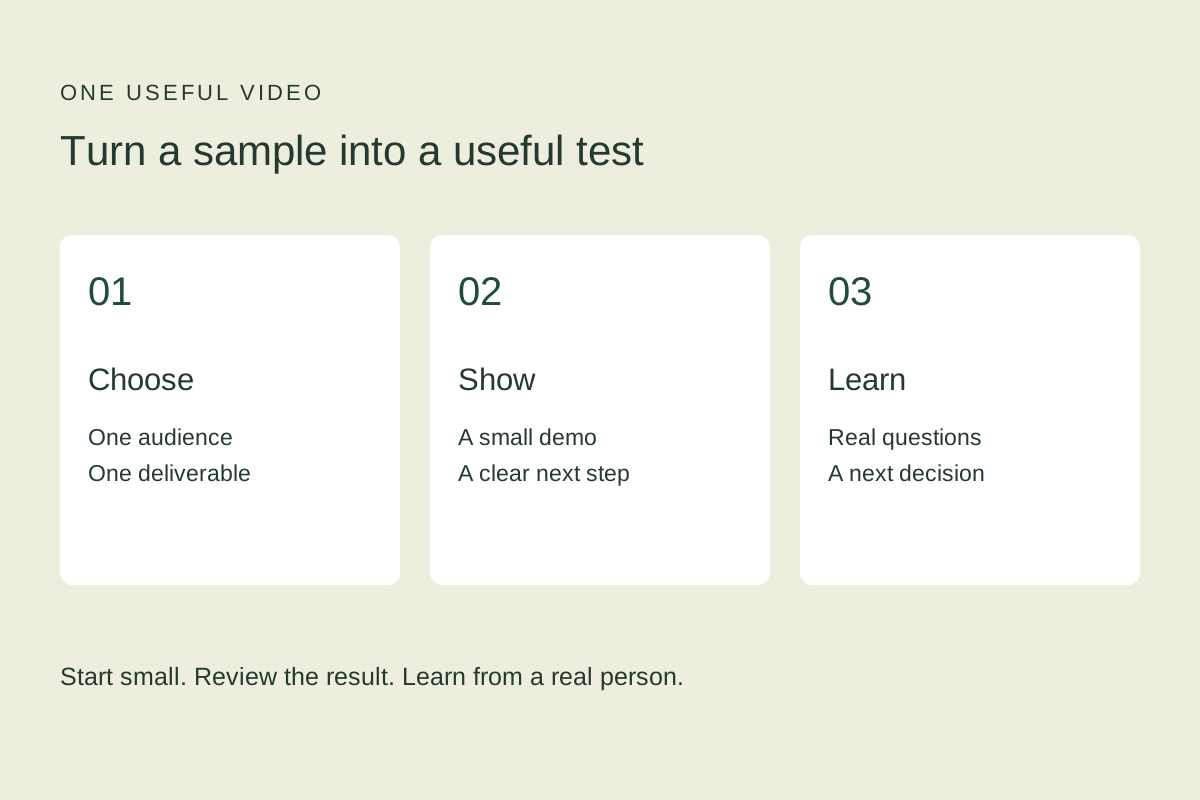
Test a small offer with one simple demo video
Plan, record and review a short offer demonstration, then use real customer questions to choose your next experiment.
November 4, 2026 · 5 min read Useful AI Beats Hype · Business advice
Create a decision-coach skill that helps you think through the next move
A decision brief with options, tradeoffs, a provisional recommendation and evidence that could change it.
November 1, 2026 · 4 min read